
Getting started
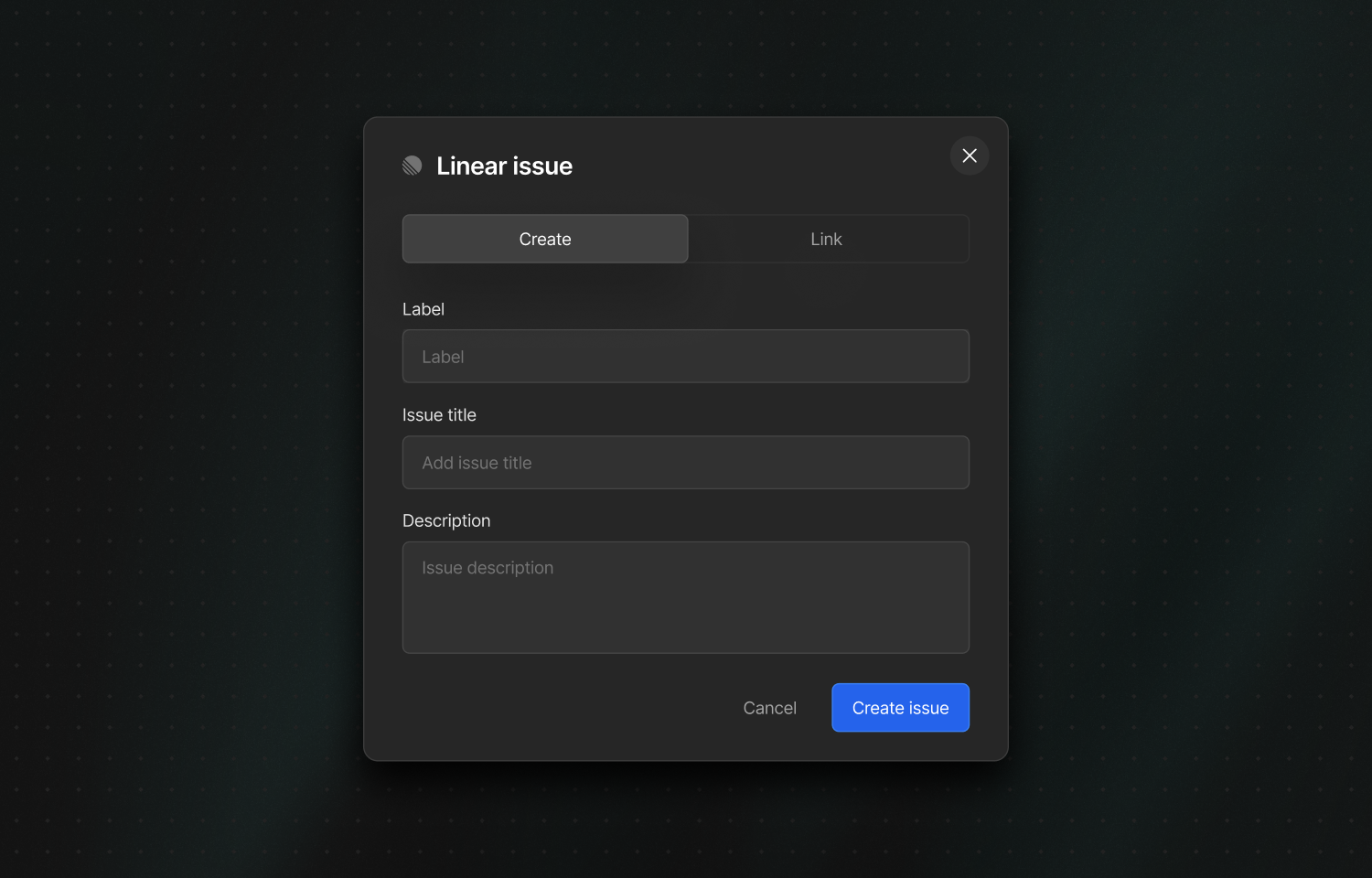
Linear is a 3rd-party project management tool for software teams that integrates with Nightwatch to help you track and manage issues more effectively.Connect Nightwatch to your Linear workspace to create and link Linear issues directly from Nightwatch. You can configure application-to-team mappings so issues created from specific Nightwatch applications are routed to the correct Linear team by default.
You must be an organization admin in Nightwatch to configure the integration.
1
Open organization settings
In Nightwatch, go to your organization settings.
2
Connect to Linear
Select Connect to Linear, then choose the Linear workspace you want to link.
3
Optional: Map applications to teams
Optionally configure application-to-team mappings so issues created from specific Nightwatch applications are routed to the correct Linear team by default.
Reconnecting or disconnecting
1
Reconnect to Linear
Having connection issues? Go to your organization settings and click Reconnect to Linear to re-authorize.
2
Disconnect from Linear
To remove the integration, go to your organization settings and click Disconnect from Linear. You can always reconnect later.
Status synchronization
When a Nightwatch issue is linked to a Linear issue, Nightwatch keeps their status in sync so both systems reflect the same state. From Nightwatch to Linear- Marking an issue as Resolved in Nightwatch updates the linked Linear issue to a completed state.
- Marking an issue as Open in Nightwatch moves the linked Linear issue to a backlog state if it was completed or canceled.
- When multiple Nightwatch issues are linked to the same Linear issue, the Linear issue’s status is updated only when all linked Nightwatch issues share the same status.
- Linear states Backlog, Unstarted, Triage, and Started update the Nightwatch issue to Open.
- Linear state Completed updates the Nightwatch issue to Resolved.